Overview
Please note that the print function is not available for tablets and smartphones for technical reasons.
If you would like to print or export as a PDF the calendar, you must open your calendar access link using the browser on a desktop PC (or laptop).
Open the view you want to print in the calendar and select the appropriate time period.
If the selected calendar view supports printing, a print icon (marked in red).
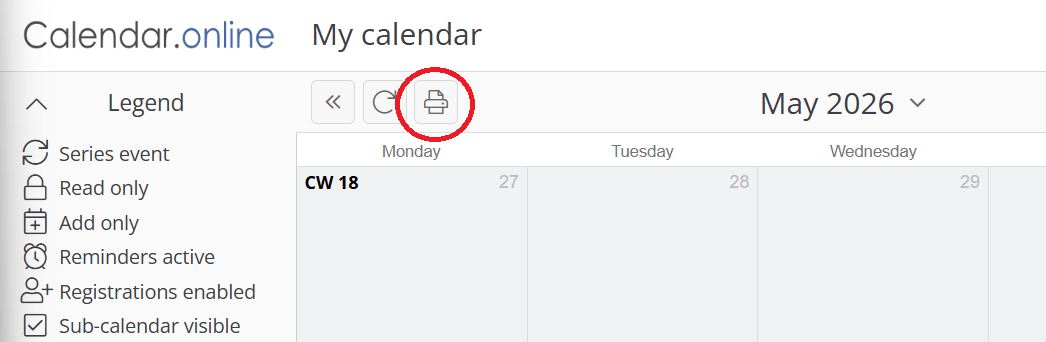
Click on the print icon to generate a PDF.
If a new browser tab does not open with the generated PDF, your browser is likely blocking pop-ups. Please ensure that an exception has been set up for Calendar.online.
If the font in your generated PDF is too small or illegible, there are two ways to adjust the font size:
Browser Zoom
Before clicking the print icon, please use your browser settings to increase the zoom level of the webpage. After successfully printing, reset the browser zoom to your desired level.
Adjusting the font size in the calendar
You can also adjust the display of events in the calendar.
Before clicking the print icon, proceed as follows:
Open your desired link
Click on the icon with the three bars in the upper right corner
Click on Settings
Under Appointment display size: Normal, use the + button to increase the event size
Print the desired view