Overview
With the reminder feature, you can have yourself and other users reminded of upcoming appointments. Reminders can be sent via email or SMS. Please note that reminders can only be set up for future appointments. Reminders are no longer sent for past appointments.
Email reminders are available starting with the Plus version; SMS reminders are available starting with the Premium version.
There are various reminder intervals that you can customize. By default, a reminder is set for 15 minutes before the appointment, but intervals of 15, 30, or 60 minutes, as well as up to 12 months in advance, are also possible.
In this video
https://www.youtube.com/watch?v=2q1D57RGcug
you can learn starting at minute 6 how to receive reminders via email and SMS.
Create a recipient
Open your calendar via an access link with write permissions (administrator or editor link).
Create a new appointment.
In the event settings, navigate to the Reminders section.
-
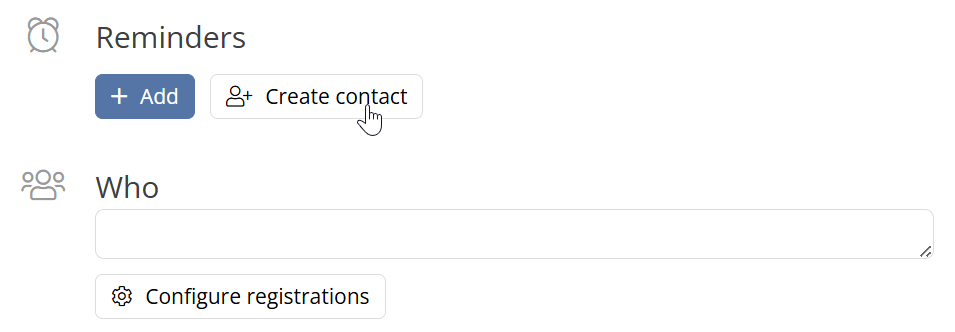
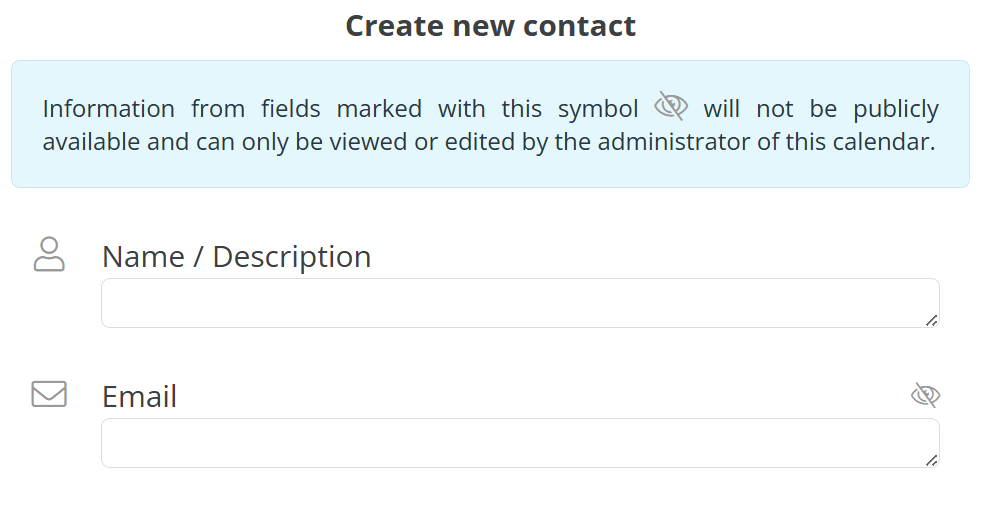
Click the Create Recipient button and enter the recipient’s name and email address.
-
Confirm by clicking Create to save the recipient in the system.
Create Reminders
After a recipient has been created, click the Add button to create a new reminder.
-
Adjust the default time window of 15 minutes before the appointment, if desired.
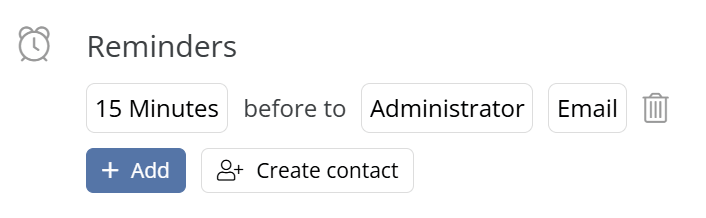
Select whether the reminder should be sent via email or SMS.
Save the appointment so that the reminders are activated and sent at the selected times.
Multiple reminders per appointment and recipient are possible. To delete a reminder, click the trash can icon.
Reminders via Email
Make sure the recipient has provided a valid email address.
-
When creating the reminder, select the delivery method Email and save the appointment.
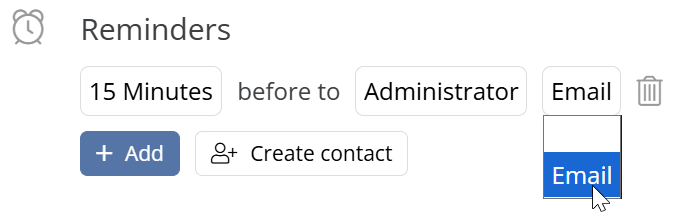
The email reminder will now be sent automatically at the selected time.
Reminders via SMS
Open the calendar via the administrator link.
Navigate to the settings via the gear icon in the top right corner.
-
In the Team tab, click + New Team Member or edit an existing team member by selecting the green pencil icon on the far right next to the contact.
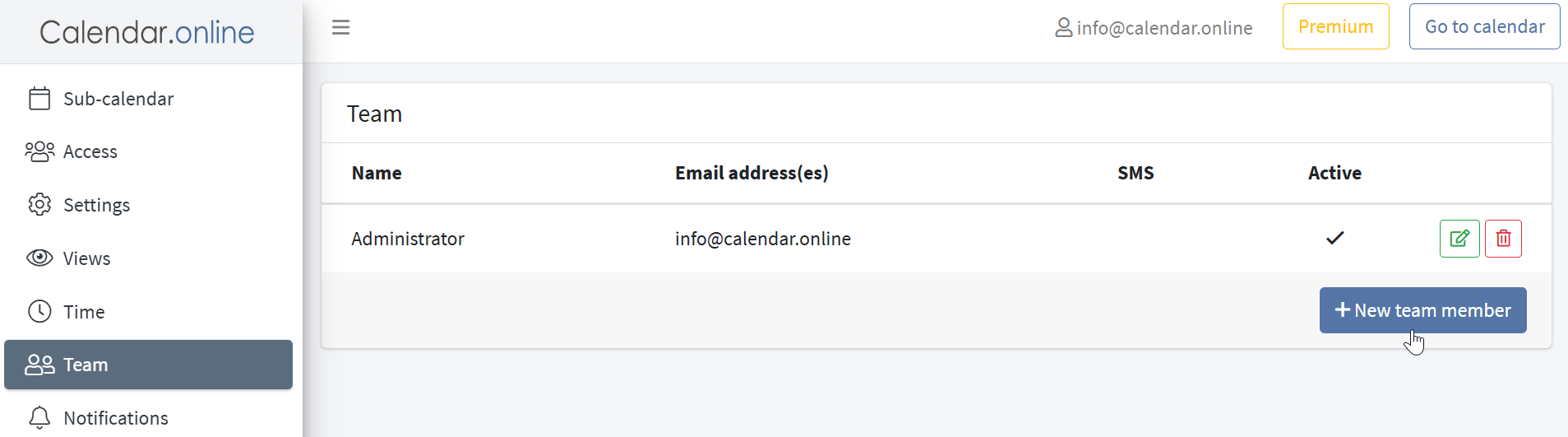
Enter the recipient's phone number and save the changes.
Return to the calendar view and create or edit an event.
Under Reminders, select the recipient and enable the SMS delivery method.
Save the event so that the SMS reminder is sent at the specified time.